 ).
).View the range over which data falls in a given log and narrow the selected range by either depth and top. The narrowed range can be output to the Crossplot wizard.
).The Log Inspection dialog box opens. Click different log tabs in the Log Editor to change the log that appears in the Log Inspection dialog box.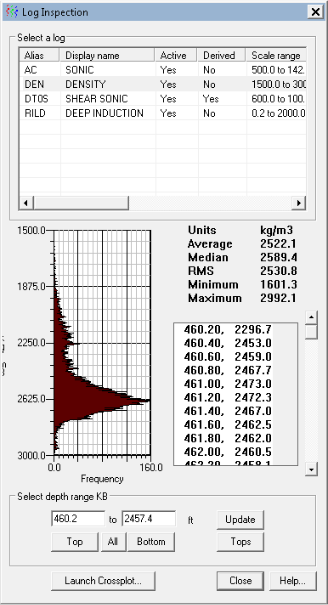
Using the Log Inspection dialog box, in the Select depth range pane, type in the boxes, or click the Tops button to display the Depth Range from Tops dialog box and then select the upper and lower tops that bound the range in the model, and then click Update.
Using the Log Editor, drag the interrogation range as depicted below.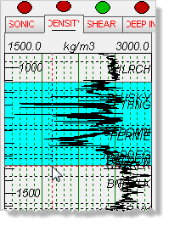
To reset the range, click either Top or Bottom (to move only one element of the range), or click All.
Click Launch Crossplot to display the Crossplot wizard with only the data range specified above.